
Product Update: Sharing a Quote Just Got Easier

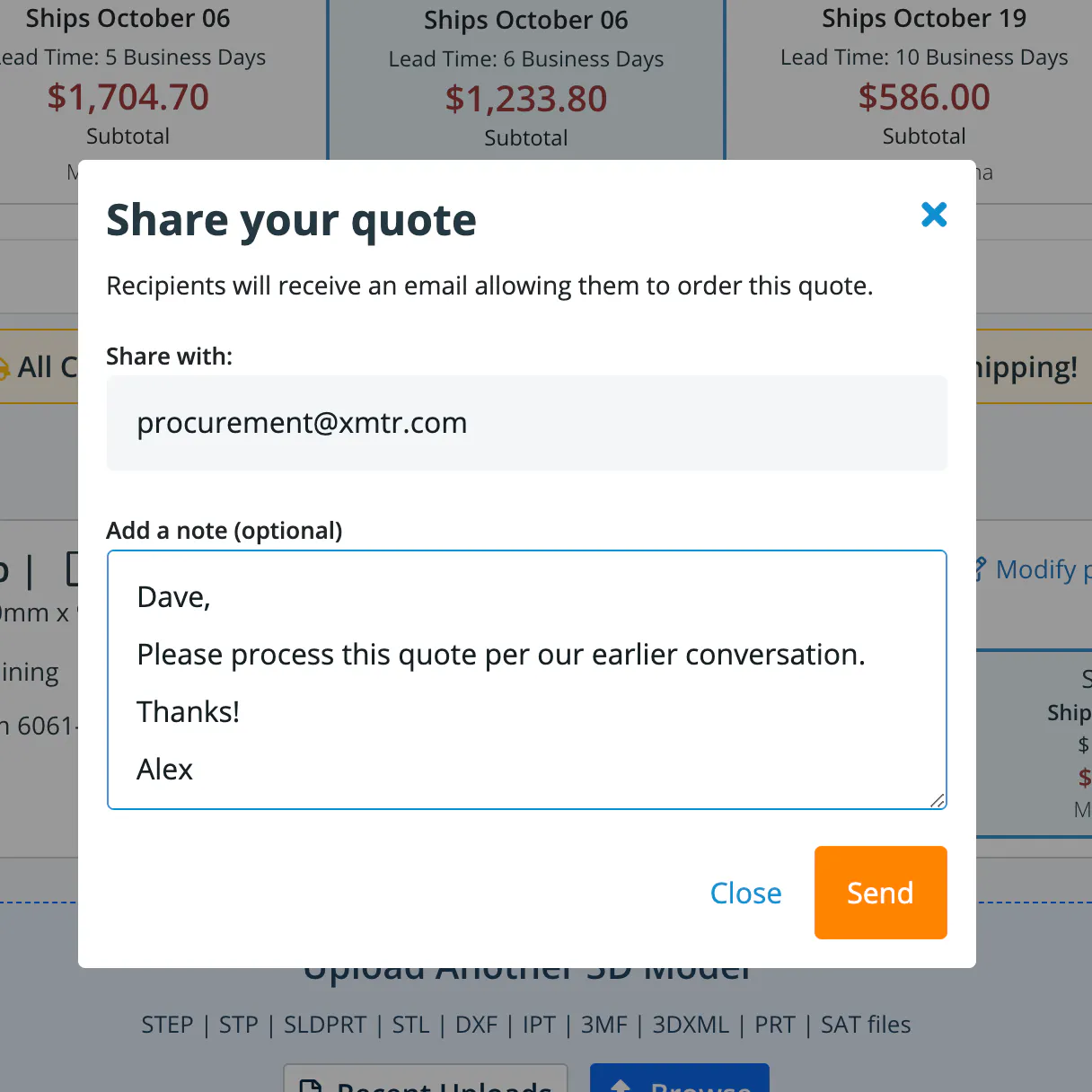
Sharing a quote just got easier. Now, recipients of a shared quote can view the quote within the instant quoting engine. Both senders and recipients are able to create a quote PDF, which now includes taxes and shipping.
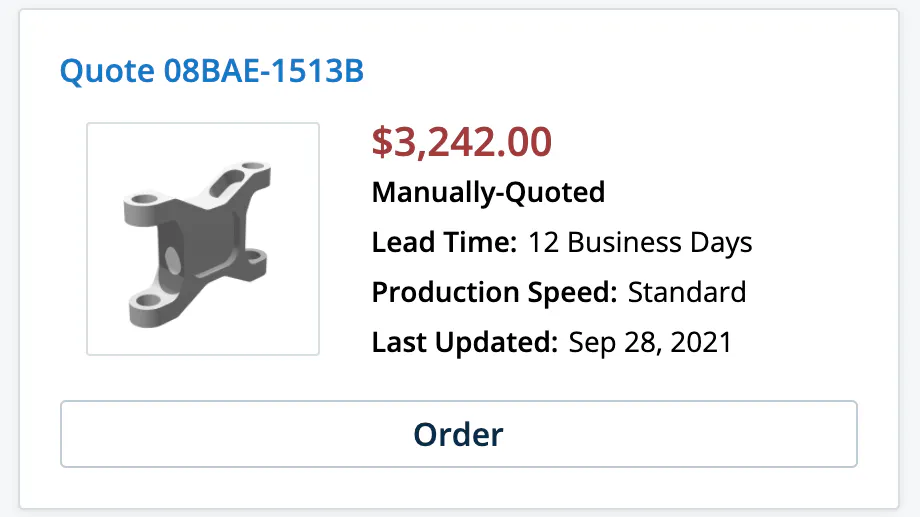
Manually quoted projects can be viewed and shared, too. Find them on your personalized dashboard and in your Quotes History.
How it Works
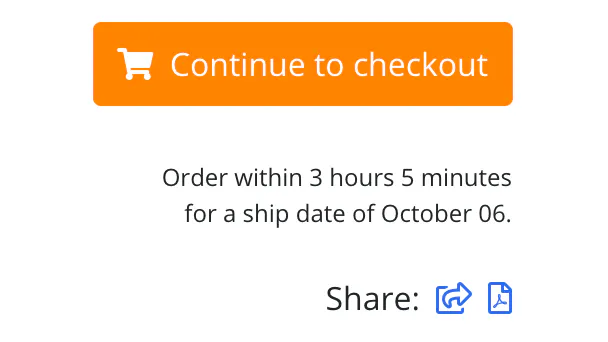
To start, just create a new instant quote or select a quote from your dashboard. Then select Share or PDF from the Share menu below the checkout button in the top right corner of the page.
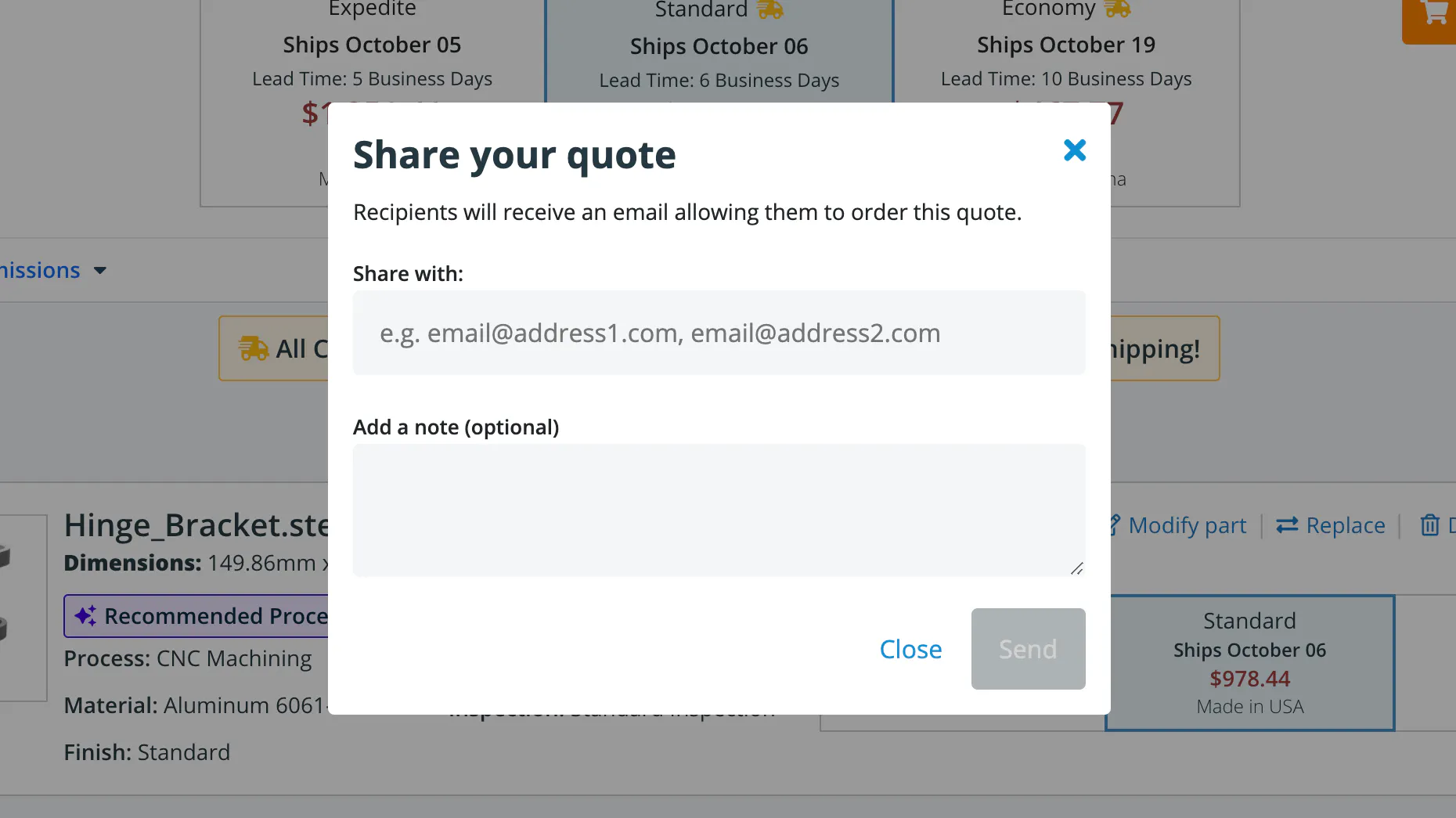
When you share a quote, you’ll be asked to enter an email address and add a note.
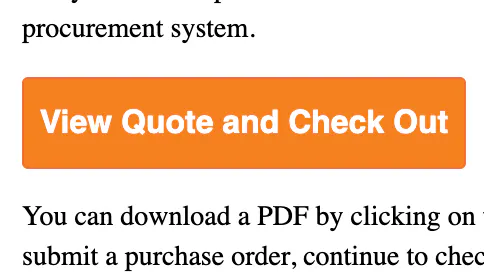
After you send it, the recipient will receive an email with a “View Quote and Check Out” link to view the quote. They’ll be able to view the quote, create a PDF, and place the order.
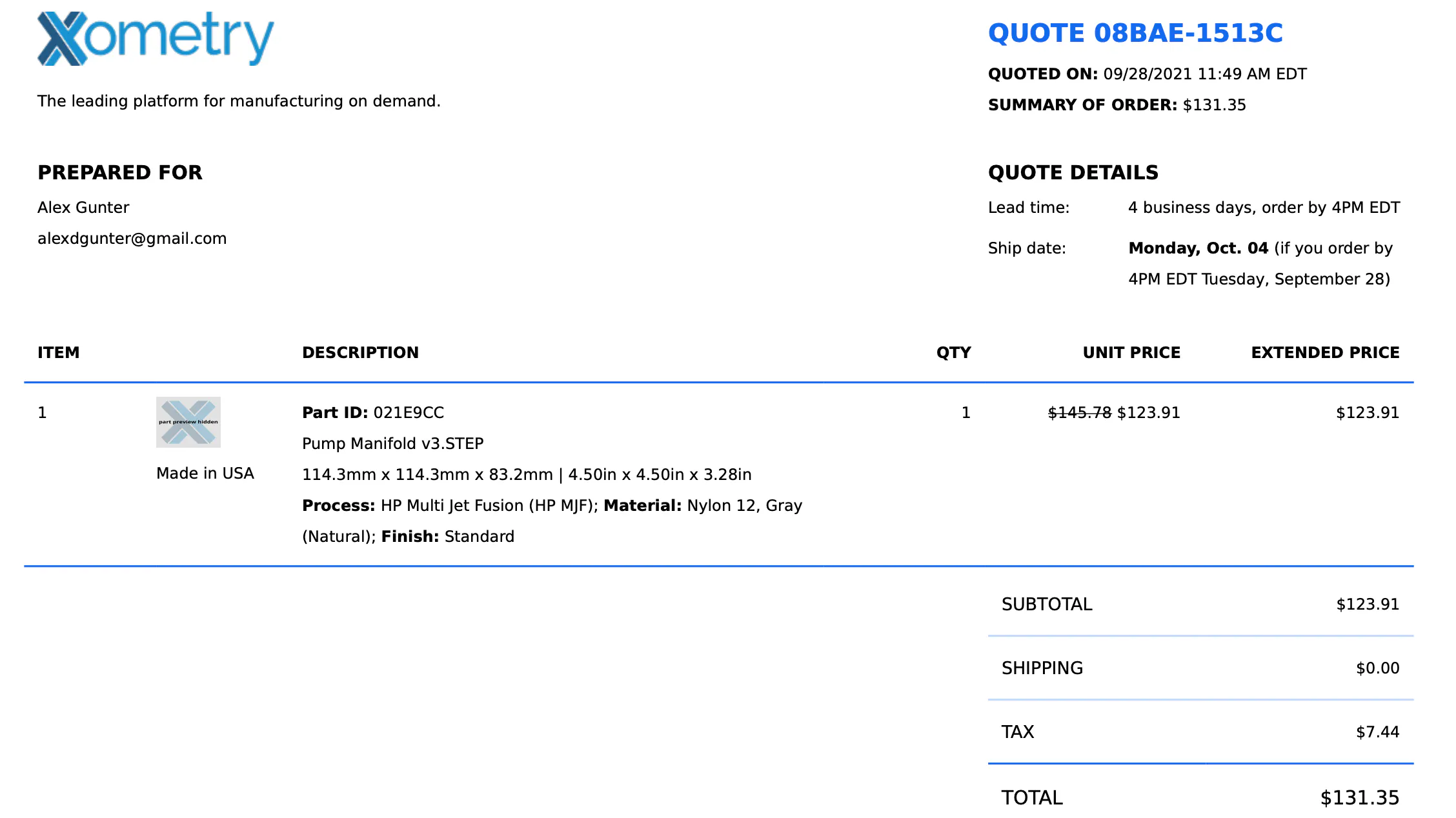
Creating a PDF Quote is easier, and now includes taxes and shipping.
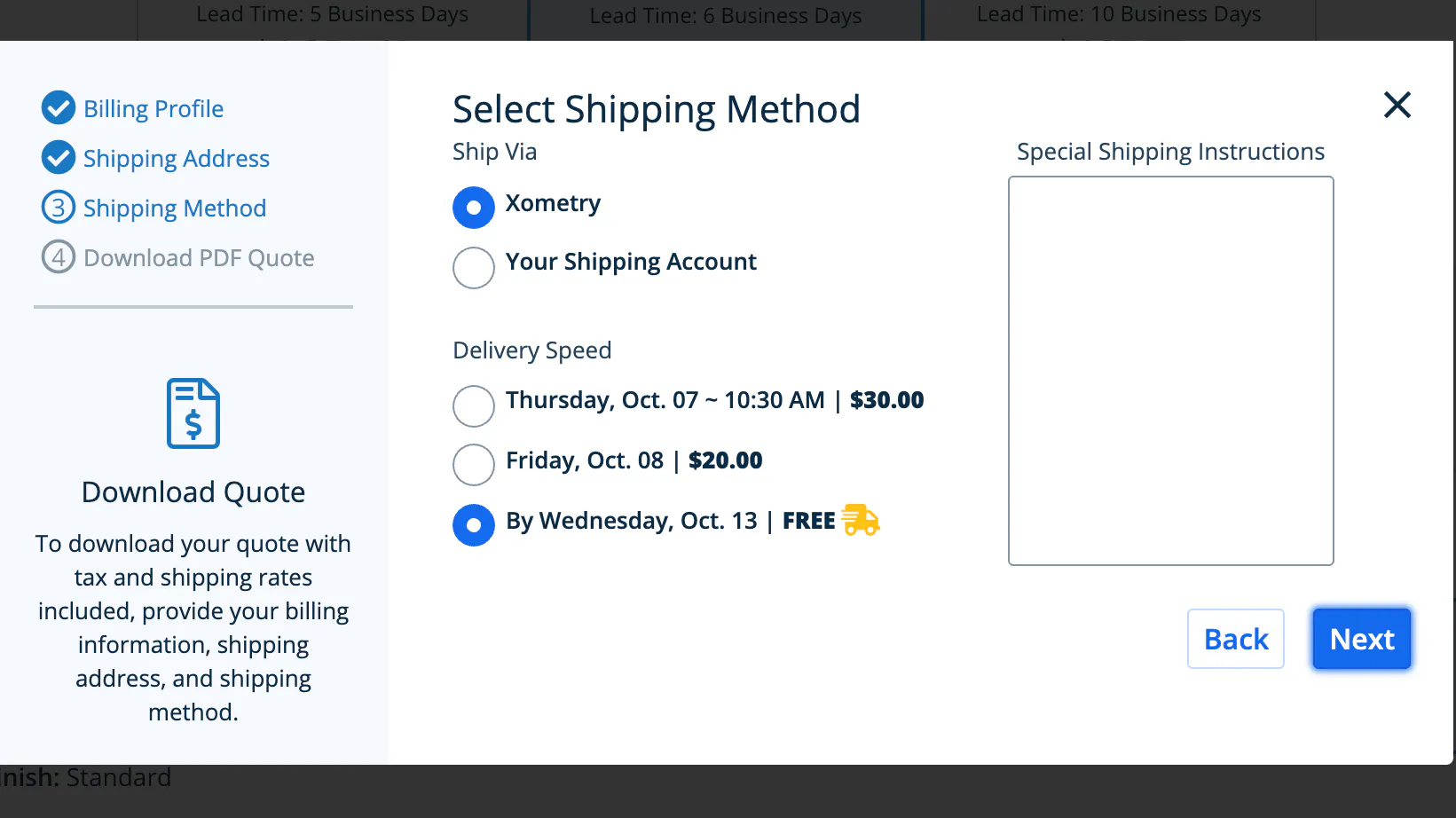
To create a PDF Quote, click the document icon from the Share menu, then select a billing profile, shipping address, and shipping method to download a PDF version of the quote.
The PDF Quote will include taxes and shipping costs.
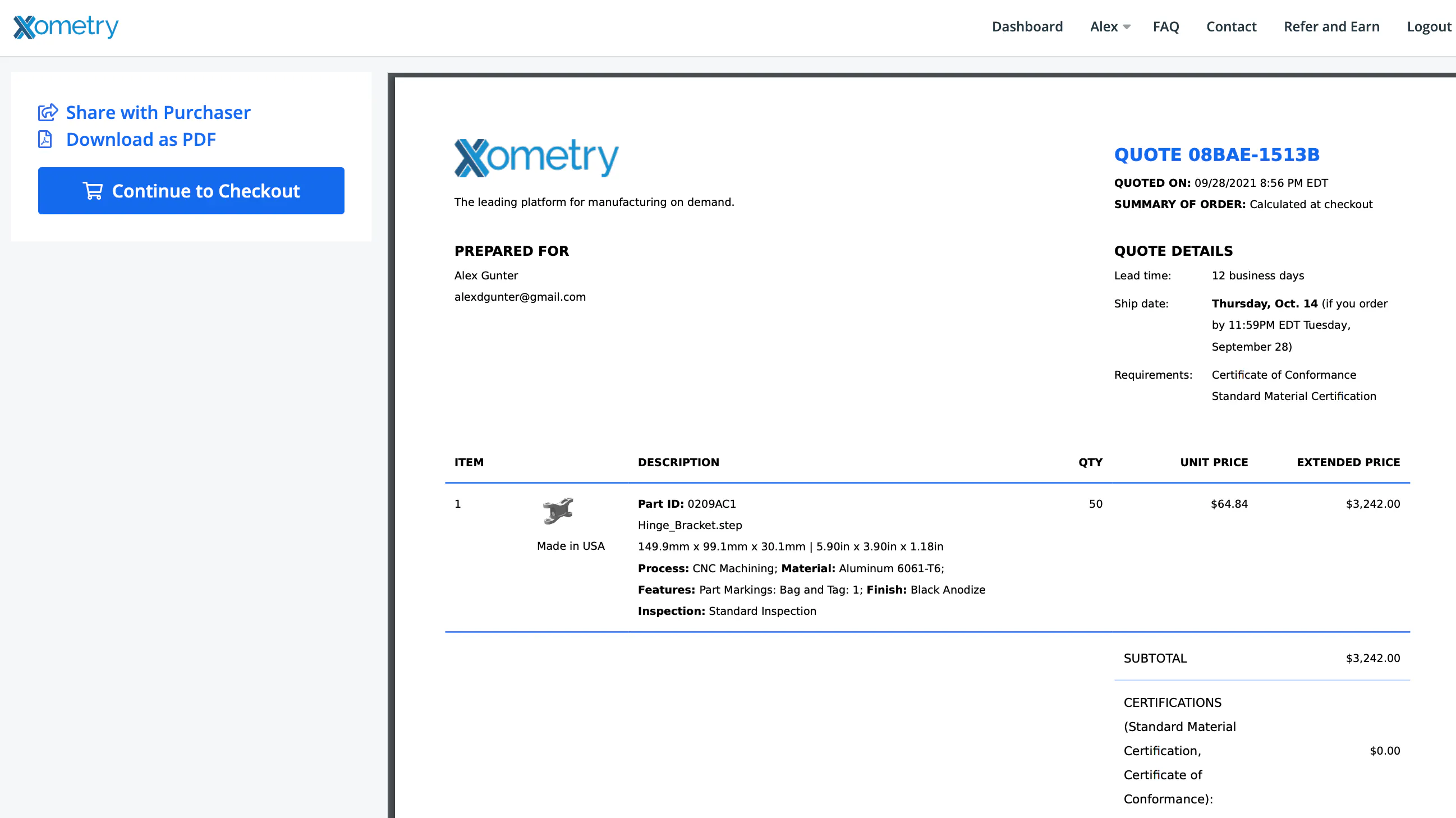
Manual quotes have a new read-only view.
From the read-only view, you can share the quote, download a PDF, or continue to checkout.
To start, simply get an instant quote or select a previous quote from your Dashboard or Quote History.