Introducing The Tool Library & Tool Detail Pages

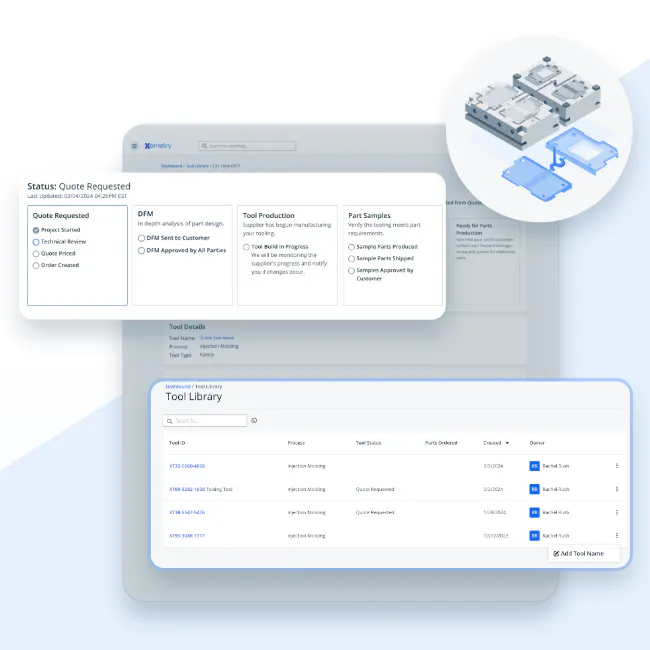
Xometry’s manufacturing services have helped engineers and procurement professionals order millions of parts at an affordable price. And now, thanks to our latest product update, our customers have unprecedented visibility into tooled processes, including die casting, plastic injection molding, metal stamping, metal extrusion, and plastic extrusion.
Meet The Tool Library
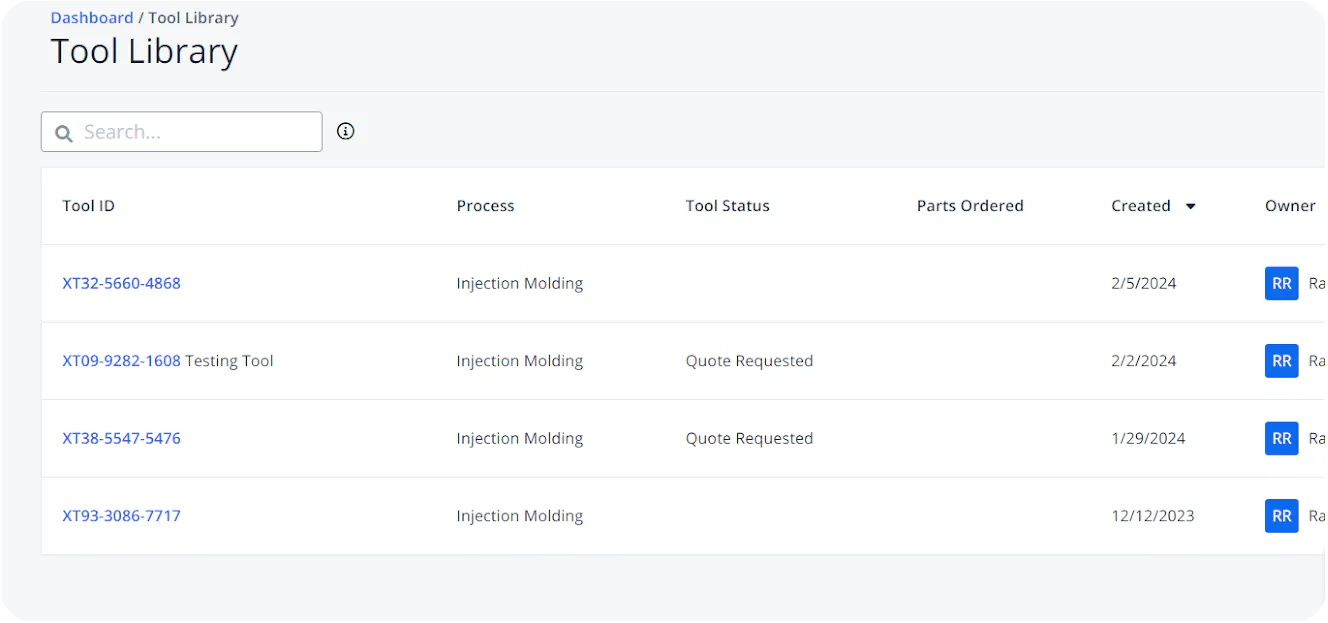
The Tool Library is a brand new page dedicated to helping you manage your tool-based projects. From your dashboard, you can access the Tool Library by clicking "Account" in the upper right of the page and selecting "Tool Library." You can easily access all your tooling line items across related quotes and orders and use the search bar to find a specific tool. You can even give them a custom name for ease of management. Once you find the tool you’re looking for, you can dive into the individual tool detail page.
Your Tool Detail Page
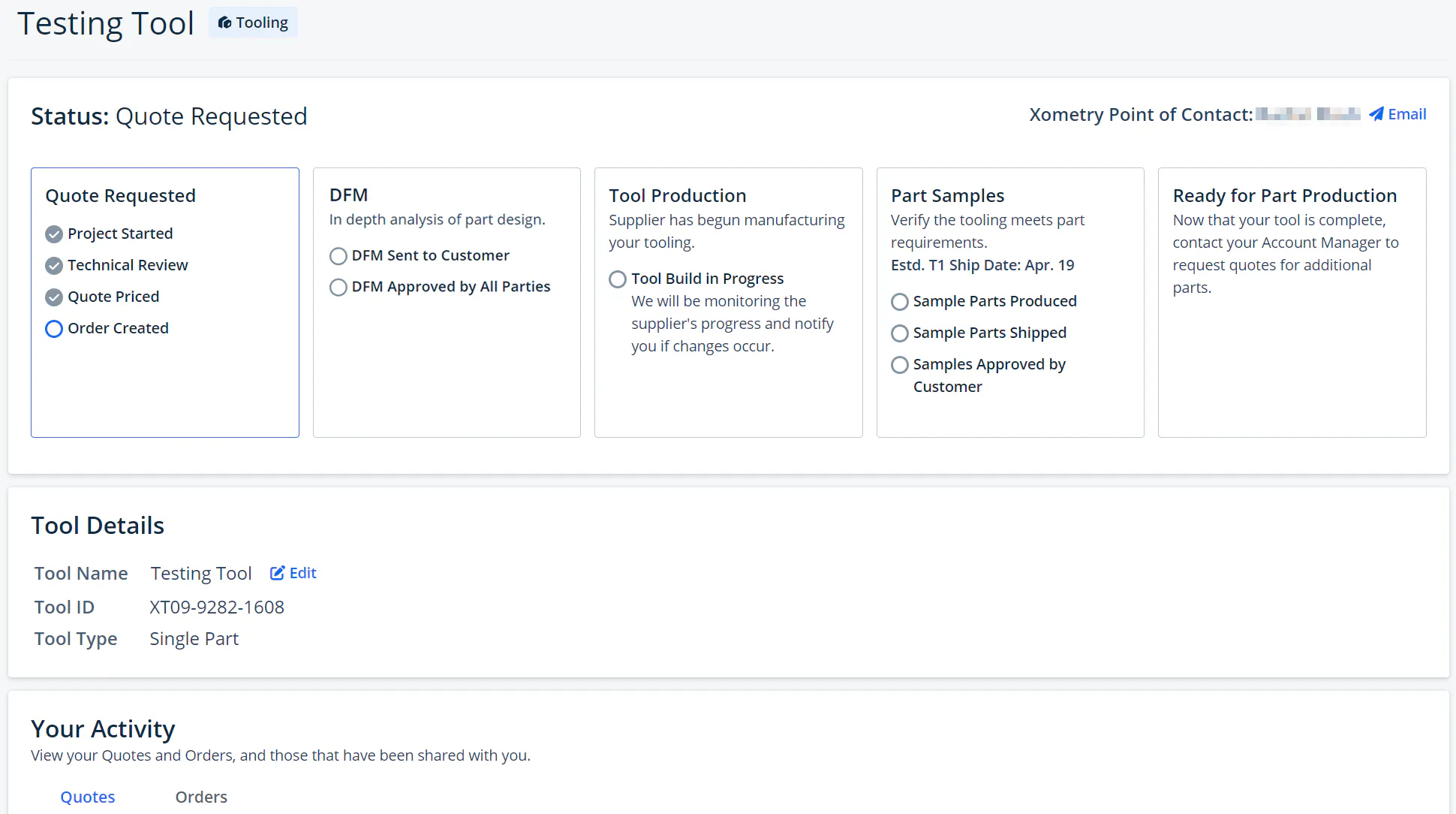
Clicking on a "Tool ID" number on the Tool Library will pull up its "Tool Detail" page. This page provides a wealth of information and transparency into your project. On the Tool Detail page, you will find the following:
- Who your best point of contact is. As your tool moves through different stages, the point of contact in the upper right will reflect the best-suited Xometry staff member to assist you at the current stage.
- What makes your tool unique, including a customizable name, Tool ID, Tool Type, how many parts have been ordered from your tool, and any related quotes and orders.
- Where your tool is in the workflow and when it is ready to fulfill part orders. Each tool goes through 5 stages:
- Quote Requested: Your tool will receive pricing, and your order will begin.
- DFM: We’ll analyze your part design in-depth to help you optimize your tool.
- Tool Production: Your assigned supplier will begin manufacturing your tool at this stage.
- Part Samples: We will send you part samples to verify that the tool meets your expectations and requirements.
- Ready for Part Production: Once your tool is complete and samples are approved, you can request quotes for production runs using that tool.