Get the Right
Jobs, Fast
View, evaluate, and claim jobs pre-matched to your shop on one streamlined page.
View, evaluate, and claim jobs pre-matched to your shop on one streamlined page.
Add team members, accept jobs, track your shop’s performance, and more — in one easy-to-use hub for all your Xometry work.
The Workcenter Mobile App lets you evaluate and accept jobs and manage work without being tied to a desk.
Get fast access to the cash you need to make payroll, pay suppliers, or grow your business.
Workcenter serves as your central command hub, giving you access to your messages, the Job Board, and your upcoming payouts, all in one convenient location.
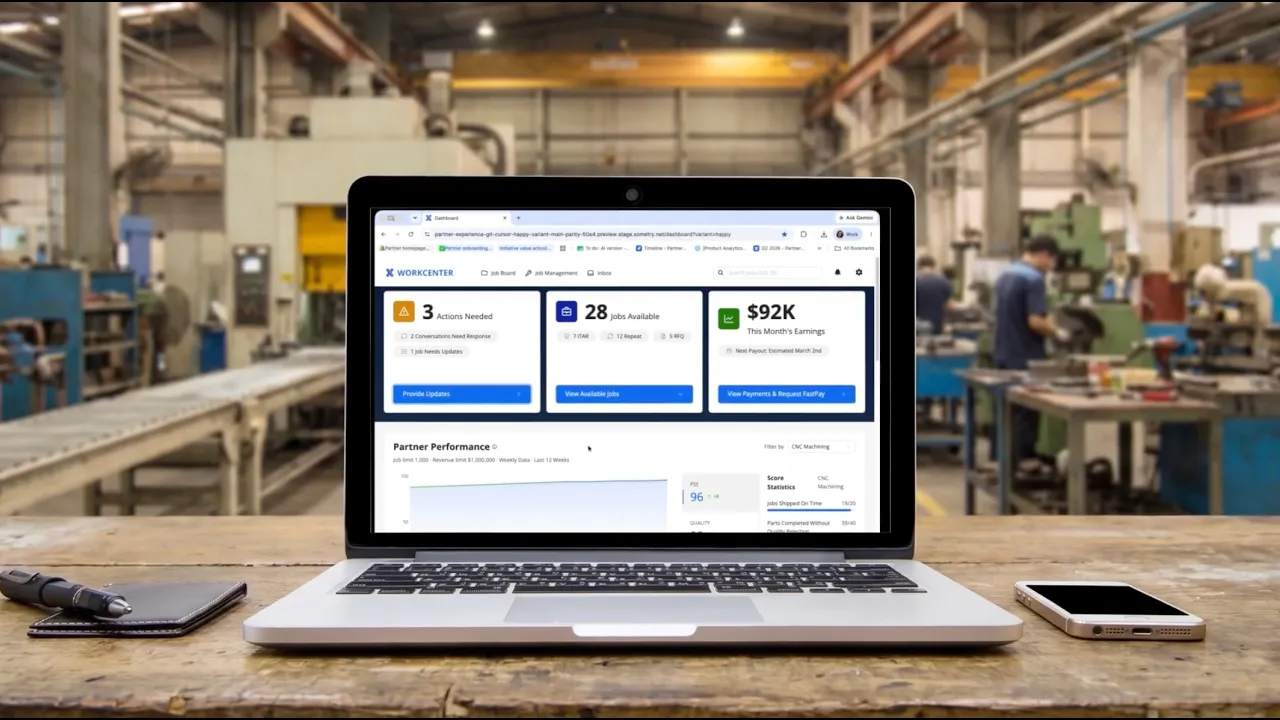
See the payout for all your pre-matched jobs and track job status in one place.
Xometry's financial solutions facilitate faster payments, maximizing your shop’s efficiency.
Turn Xometry's standard net-40 payouts into net-3 with FastPay and get paid early on every completed job.
You can download the Workcenter App from the Apple App Store or Google Play. Learn more about getting started with the Workcenter Mobile App in this article.
New jobs are added daily, thousands each week, giving you constant access to fresh opportunities that match your shop’s capabilities.
With Team Management in Workcenter you can configure your team, invite team members, and edit team permission settings. Check out this article for a step-by-step walkthrough on Team Mangement.
FastPay allows you to receive payouts for completed jobs sooner than the standard payout schedule, for a nominal fee. You can choose FastPay when you mark a job as complete, giving you greater flexibility to manage cash flow and keep work moving.
We offer a number of support options to Partners: